Contract Printing
This section describes the process for printing a contract. If you need guidance on setting up templates, unit designs, or finishing specs, please refer to the 'Setup' section.
Print Contract
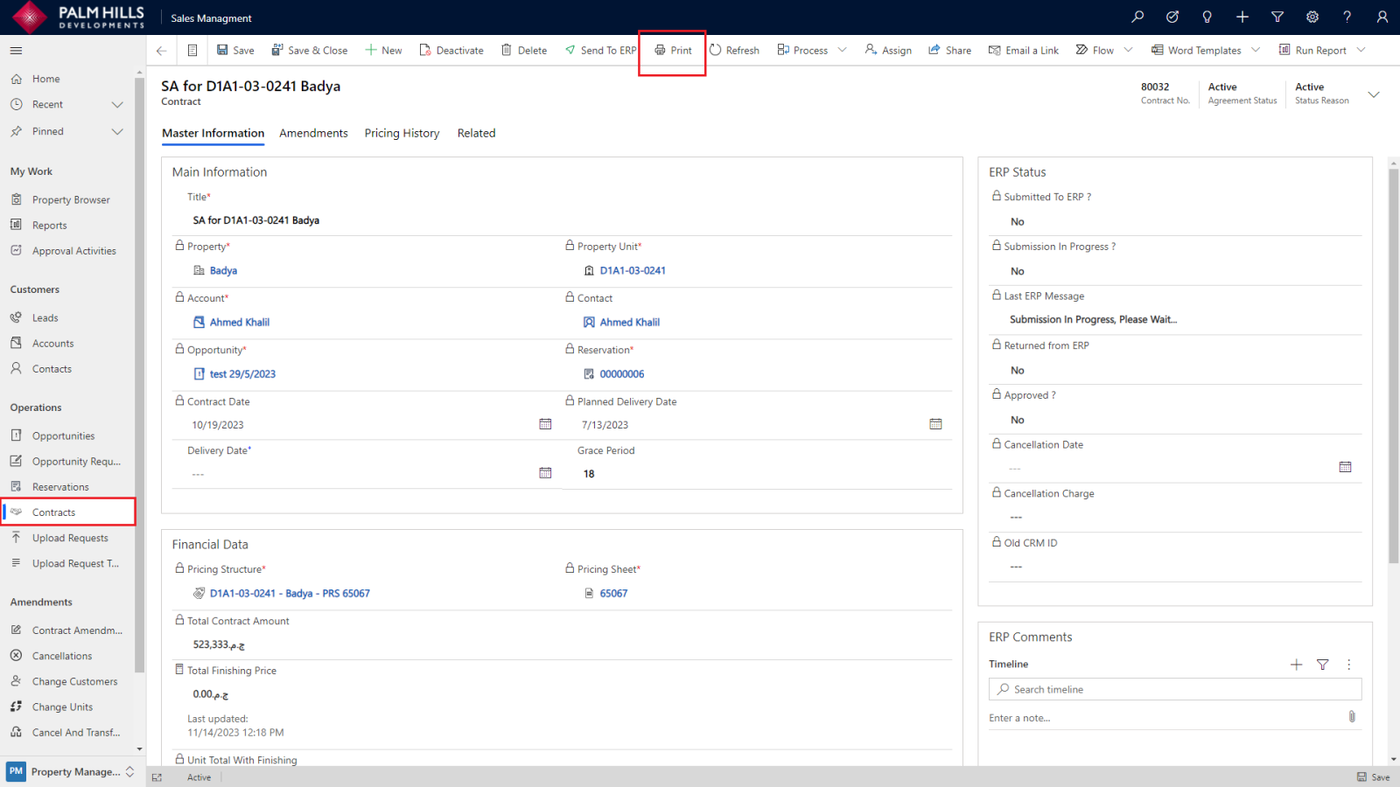
To print a contract, navigate to 'Contracts,' select the desired contract, and click on the 'Print' button as shown below.
If there are multiple templates for a contract, this screen will prompt you to choose the specific template from a selection list. Upon submission, the selected contract template will be printed.
