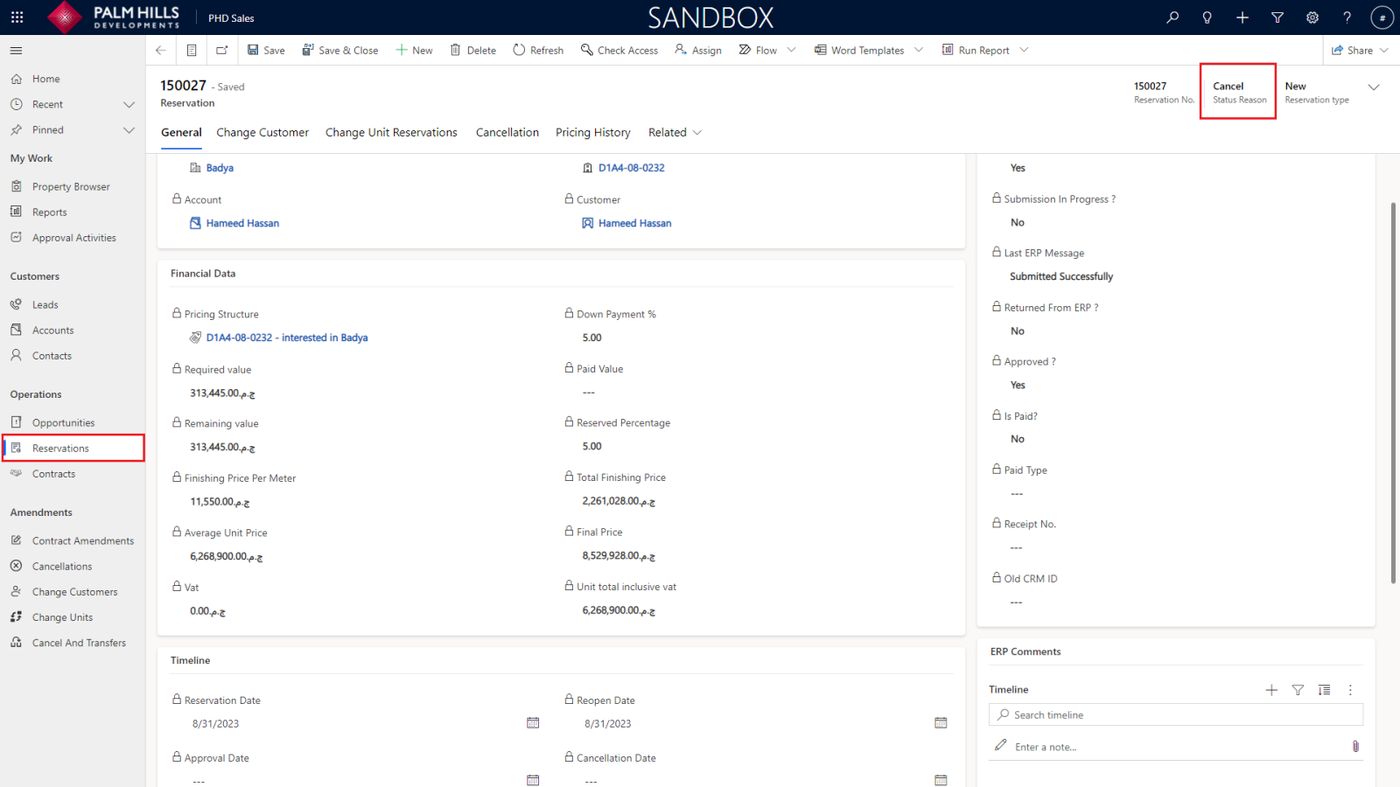
Cancellation of Reservation
Cancellation of Reservation
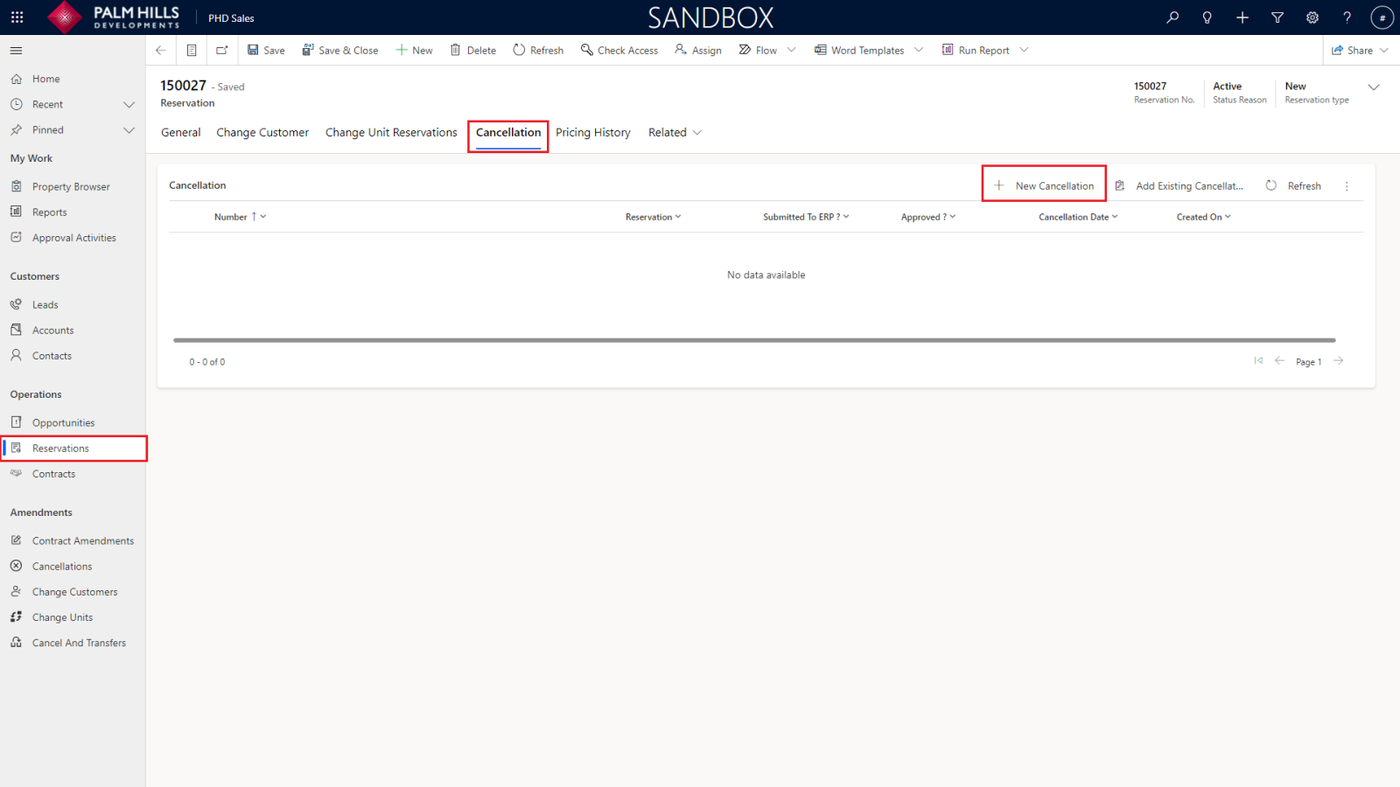
In the section describing the cancellation of a reservation, navigate to 'Reservations,' click on the reservation number, and then go to the 'Cancellation' section. Click on the 'New Cancellation' button.
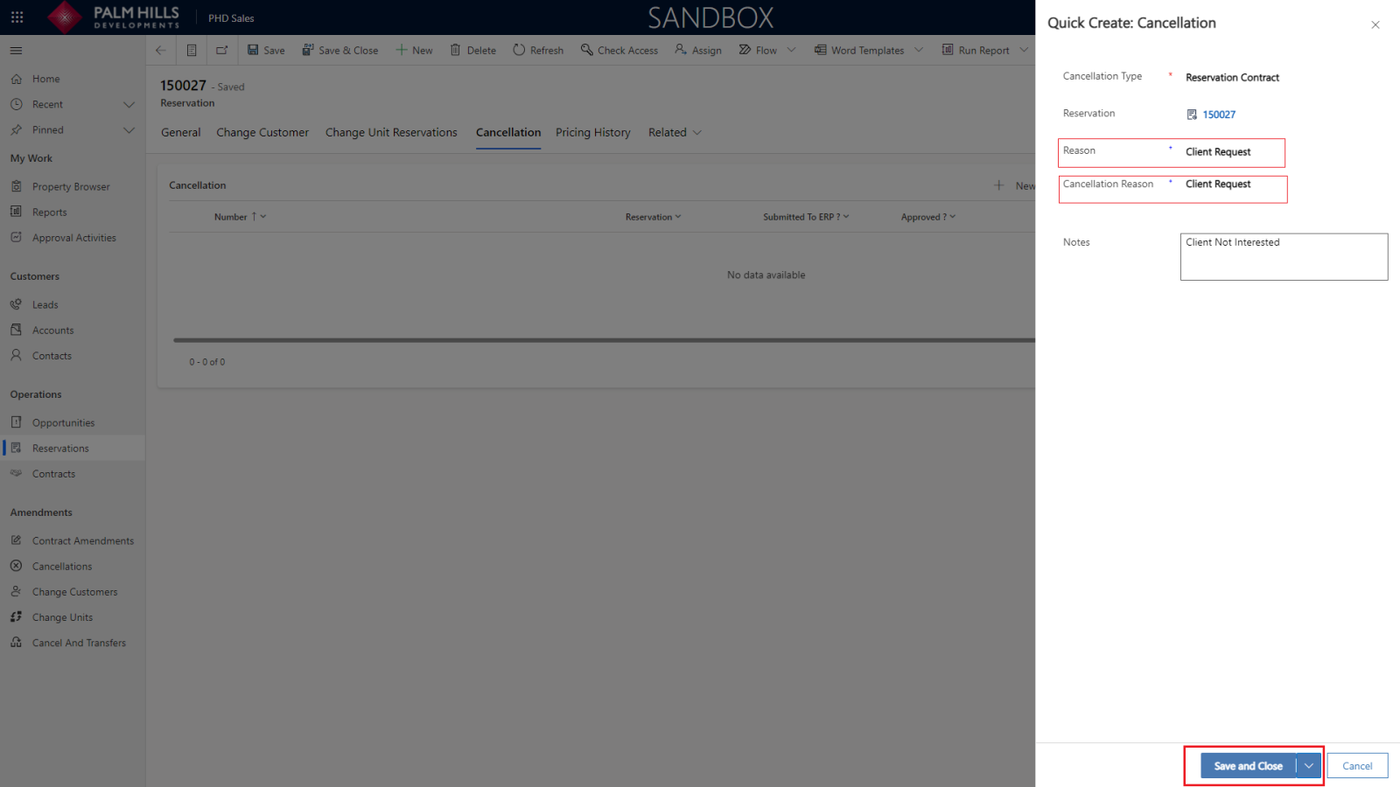
After clicking the 'New Cancellation' button, a form will open where you can select the reason, provide a cancellation text reason, and if you have any notes, click on the 'Save and Close' button.
Now, the cancellation has been created, and you can navigate to 'Submit to ERP'.
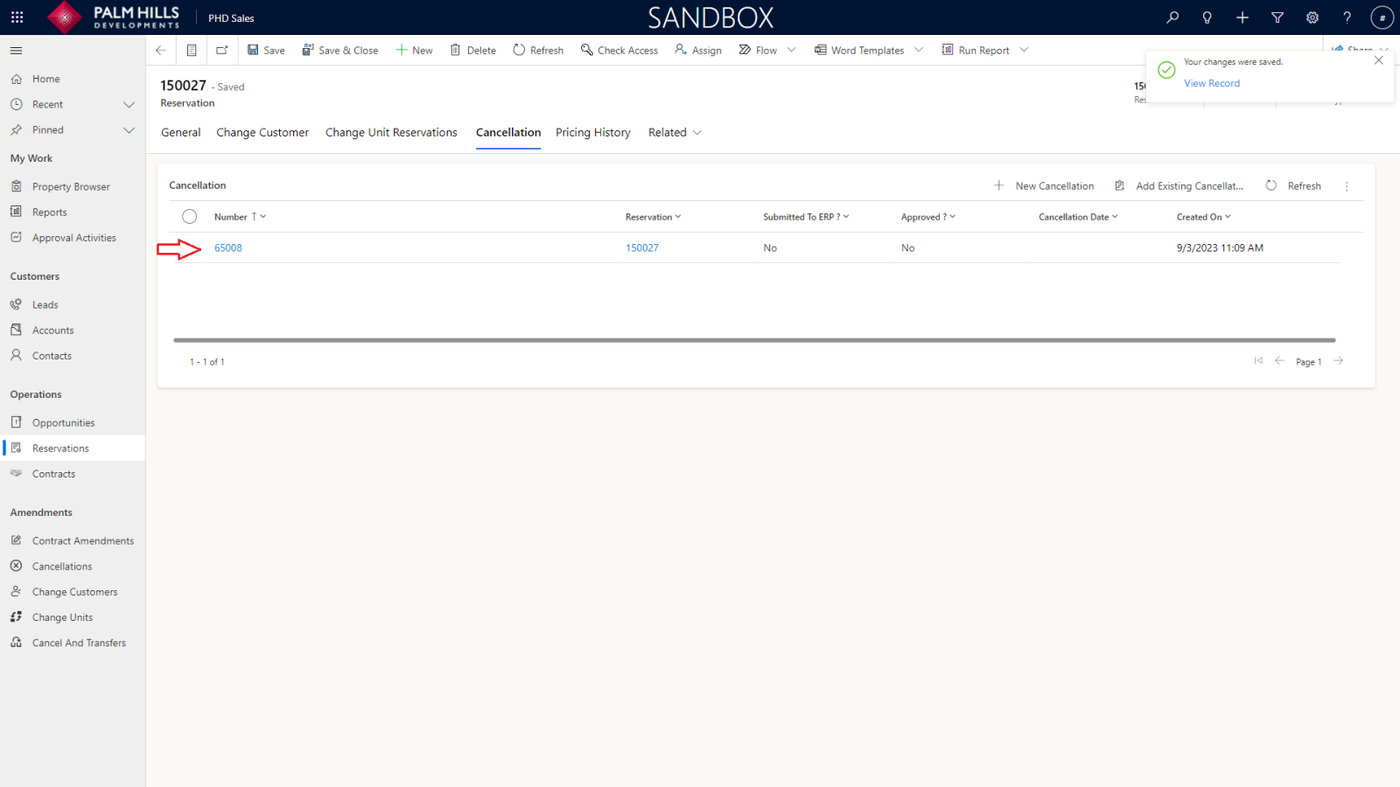
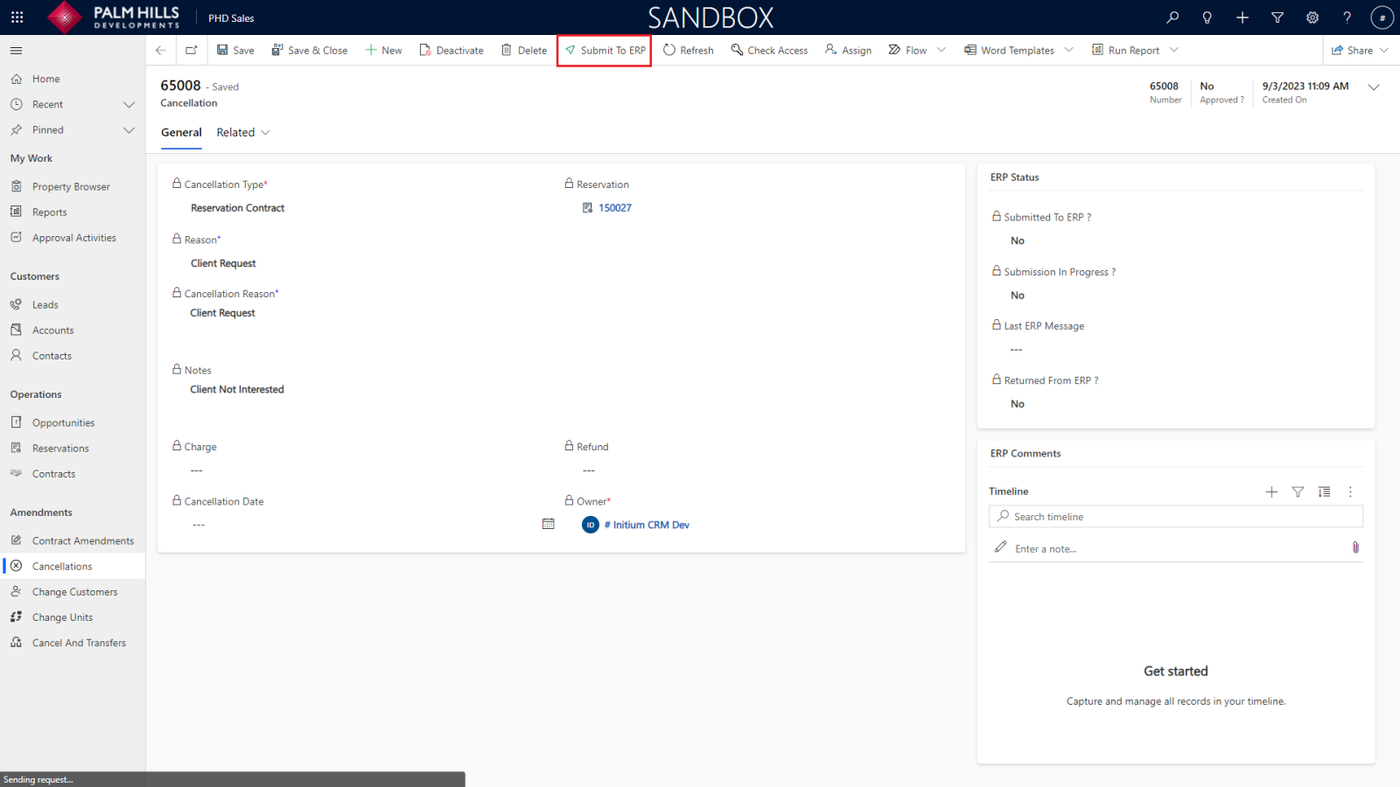
After navigating to the cancellation, click on the 'Submit to ERP' button as shown below.
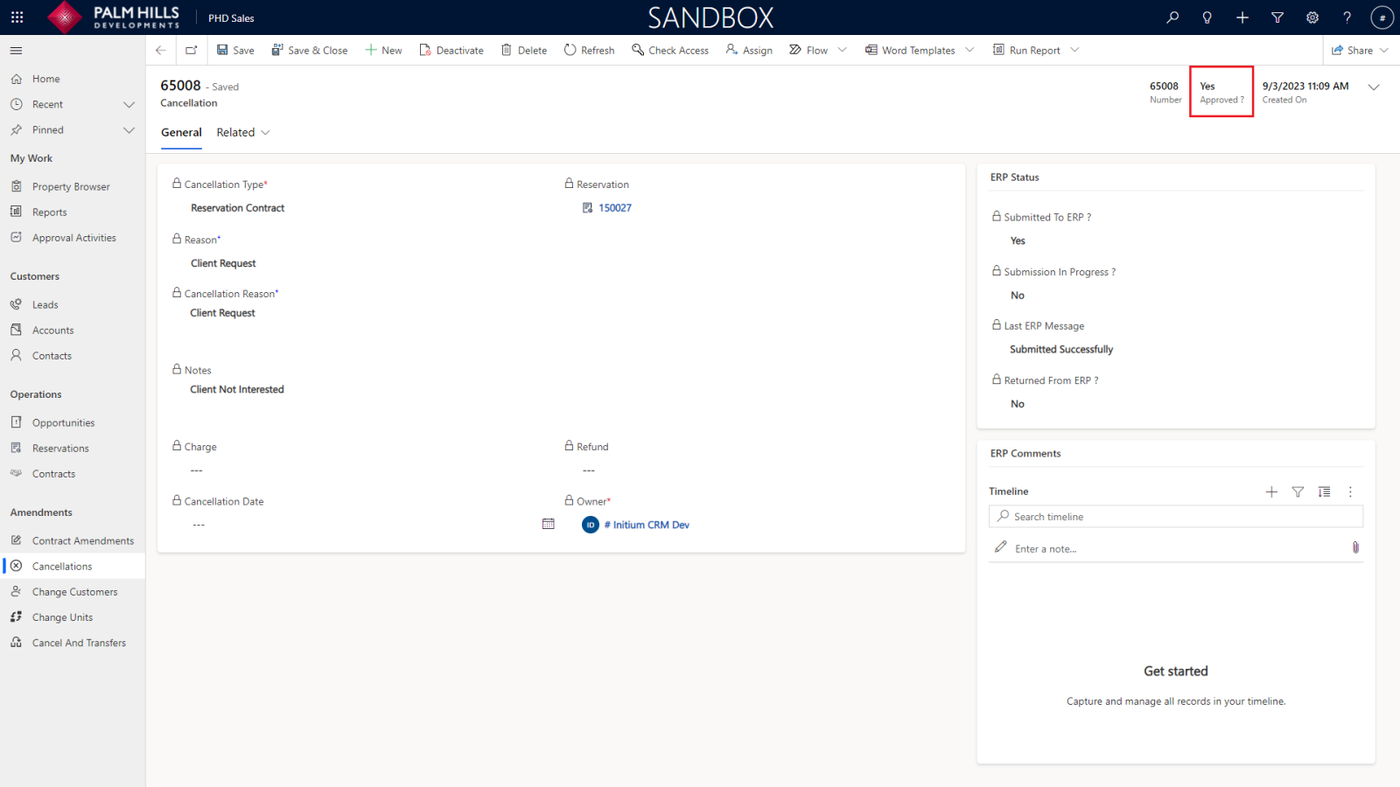
After ERP approval, the 'Approved' status will change to 'Yes' for the cancellation.
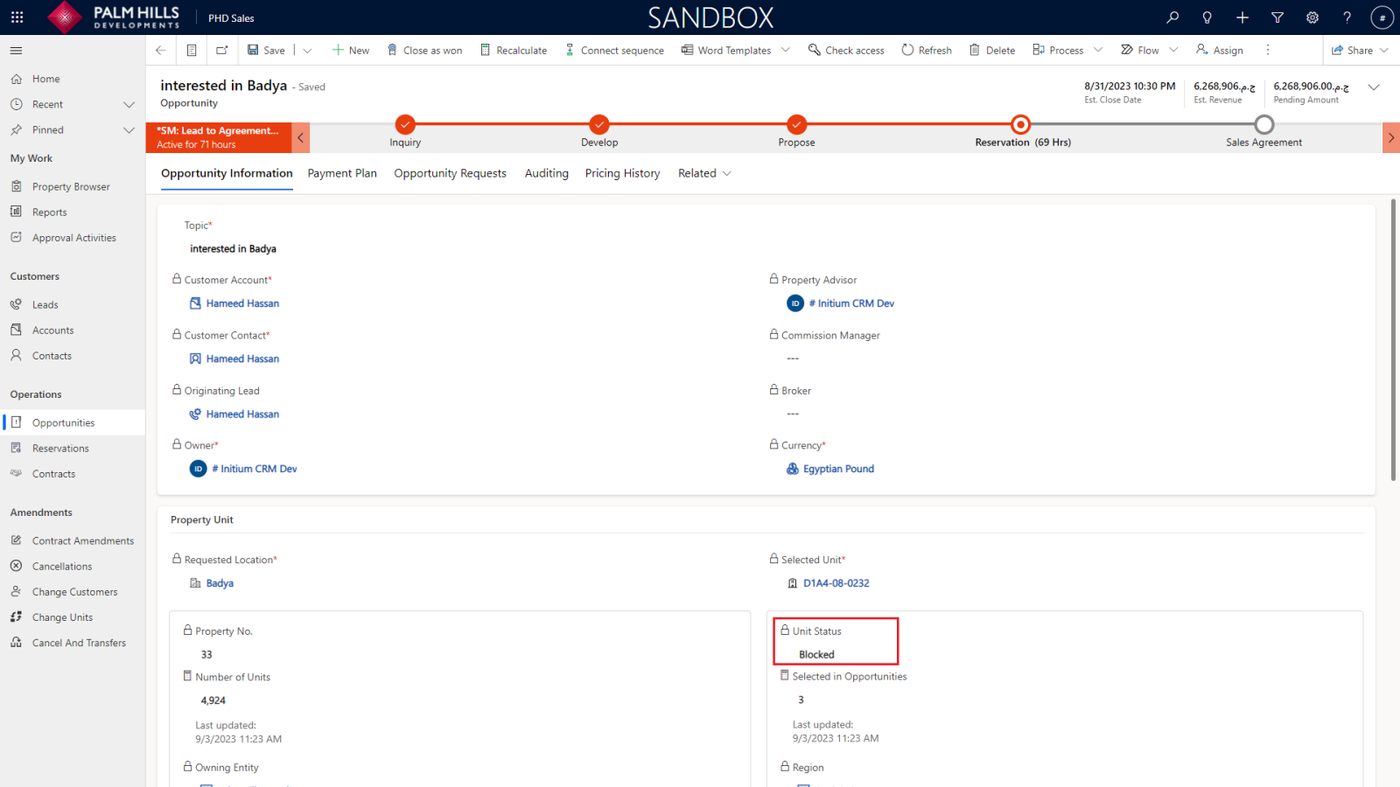
If you return to the opportunity, you will notice that the 'Unit Status' has changed to 'Blocked'
(until the sales team reprices it and changes it back to 'Available').
Additionally, the reservation status will also be changed to 'Cancel'.