Seller Dashboard
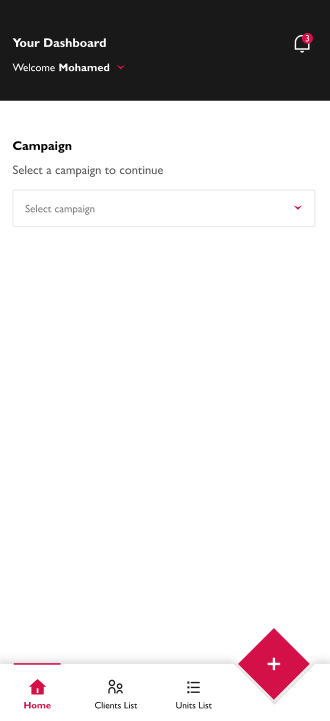
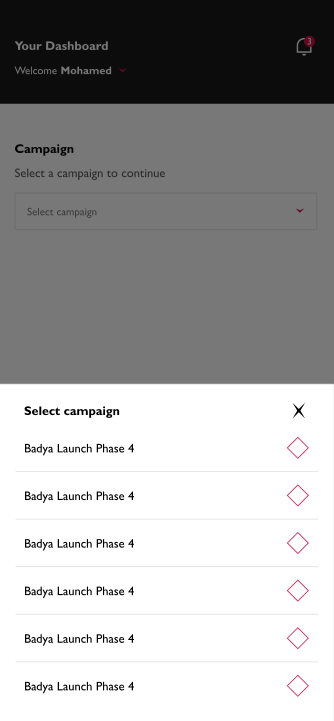
After logging in with your Microsoft Account the first step to use the application, is you choose the campaign :
1. please tap "Select Campaign" and select Campaign from the bottom sheet.
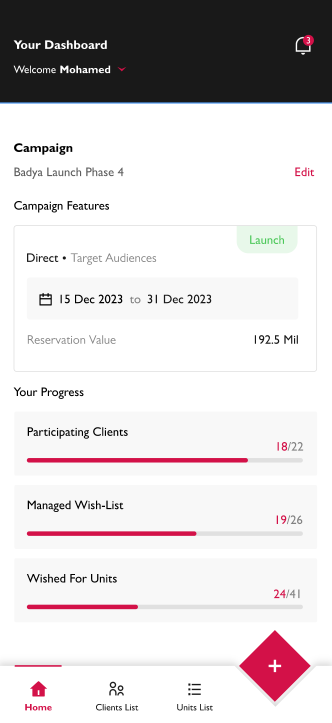
2. After that, it will appear the dashboard data contains the following :
- Campaign Features
- Seller Progress
You can change the current campaign to another by clicking the "Edit" button.