create customer wishlist
How to create a customer wishlist :
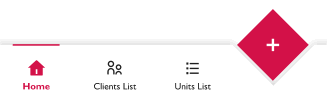
From the dashboard Screen in the bottom navigation bar click on the " + " button
1. Step one :
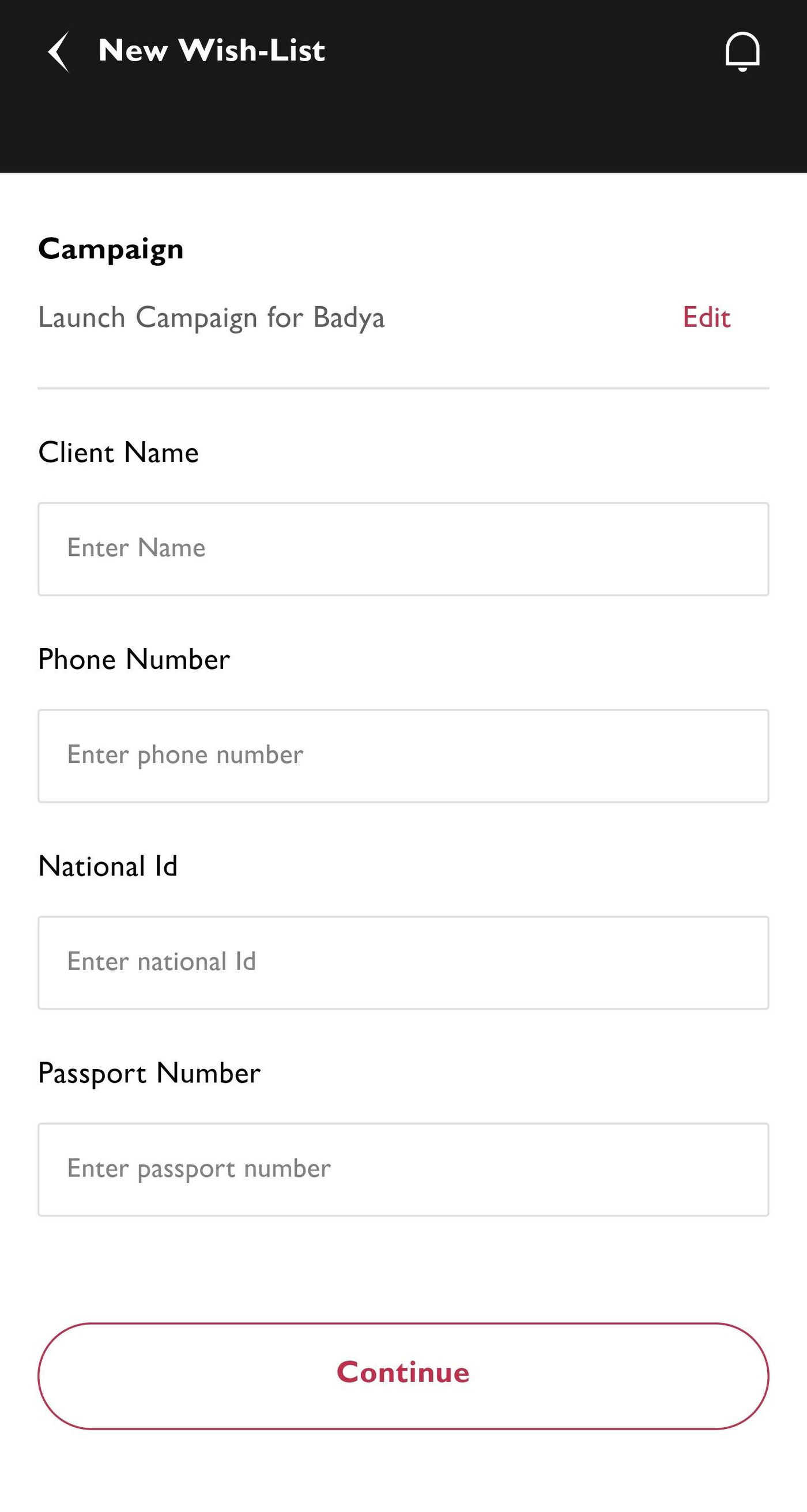
Find the customer you want to create a unit wishlist for, The seller can search for the customer by :
- Name
- Phone Number
- National Id
- Passport Number
To find the customer make sure to add at least the (Phone Number or National Id or Passport Number )
2. Step two :
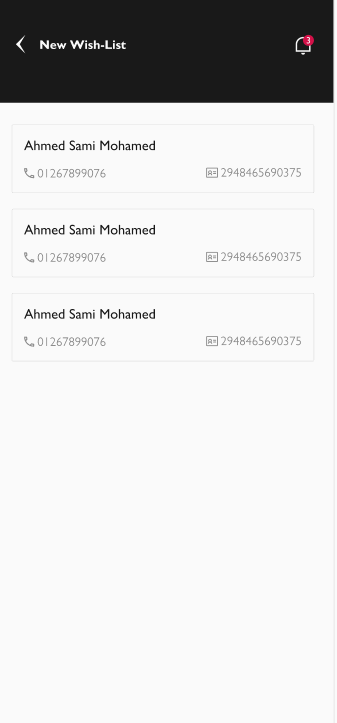
Choose the customer to continue to step 3
3. Step three :
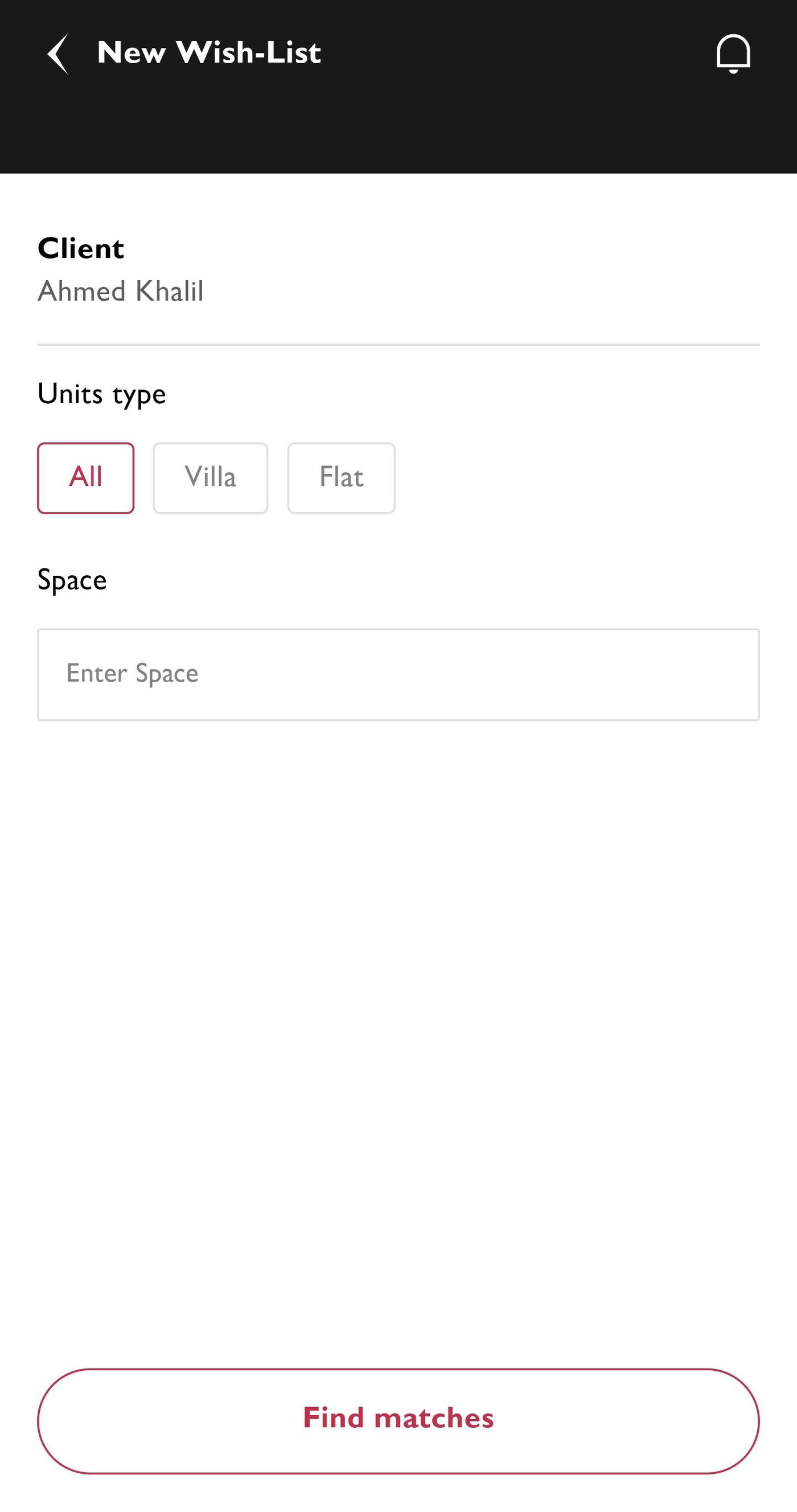
- Search for the units the customer is interested in booking and add them to his wishlist.
- Then press the " Find matches " button to continue to step 4.
4. Step four :
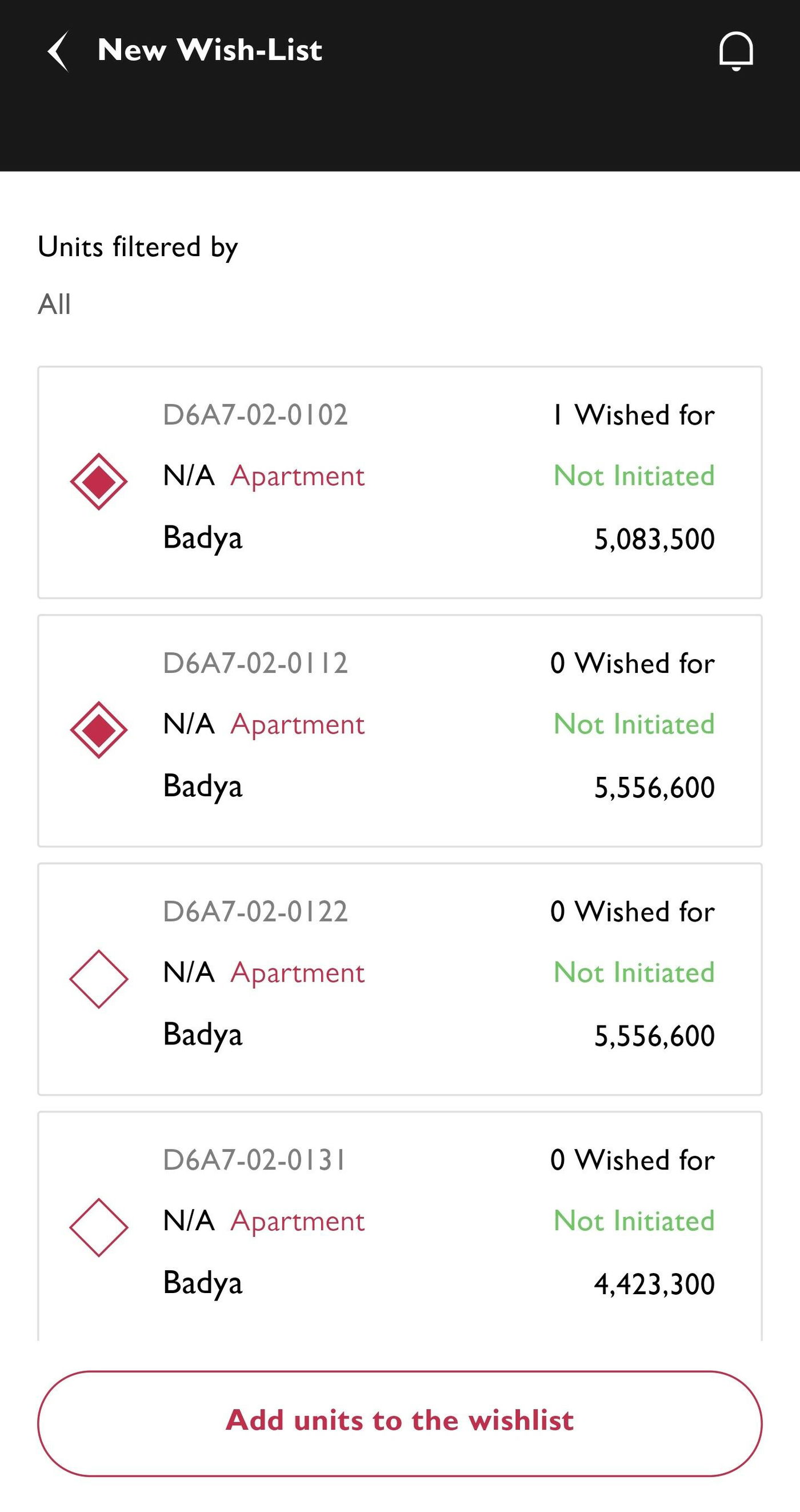
- Choose the units that the customer should want.
- And then press the " Add units to the wishlist " button to go to the last step.
5. Step five :
This is the last step :
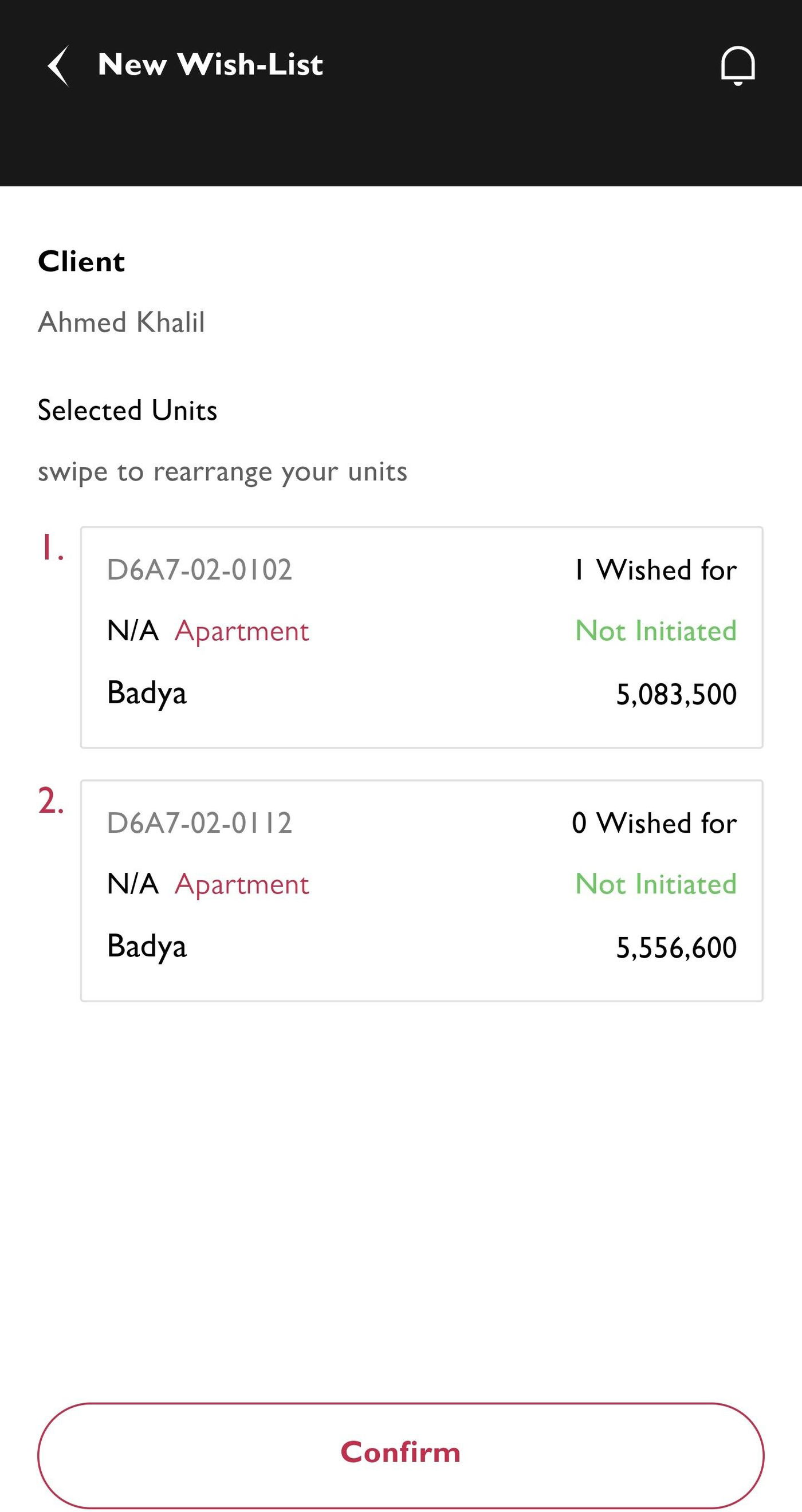
- In this step swipe the selected units to rearrange them according to customer priority.
- If you want to remove any units from this wishlist can swipe the unit card to the left and press on the " Delete icon ".
- After finishing press on " Confirm " button.